How to Choose a Dash Cam: Channels, Power and Memory Cards
- Type
- Buying guide
- Read
- 8 min
- Updated
- November 18, 2026
Decide first how it will be powered. A 12 V socket plug records only while you drive; parking mode needs a hardwire kit or OBD-II power cable with a low-voltage cutoff. Then pick the number of cameras and a memory card rated for continuous video.
Written for: Drivers buying a first dash cam for commuting, rideshare work or a parked car
What a dash cam does
A dash cam records video in a loop onto a memory card. When the card is full, it writes over the oldest clips. A motion sensor (often called a G-sensor) marks the clip as protected when it detects a hard jolt, so that clip is not overwritten. That is the core of every model. The rest is a set of choices about coverage, power and storage.
Start with power, because it decides the features
| Power option | Records when | Installation | Watch out for |
|---|---|---|---|
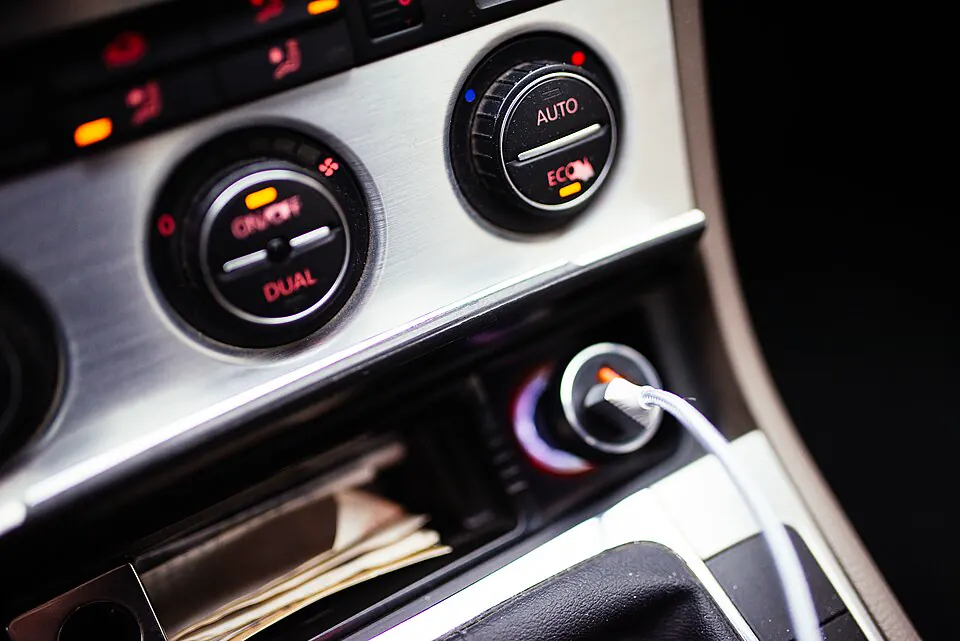
| 12 V socket plug | The socket is live, on most cars only with the ignition on | Plug in and tuck the cable along the headliner | No parking recording on most cars; takes up the socket |
| Hardwire kit to the fuse box | Driving and parked | Connects to a switched circuit, a constant circuit and a ground | Needs a low-voltage cutoff; choosing the wrong fuse position can affect other systems |
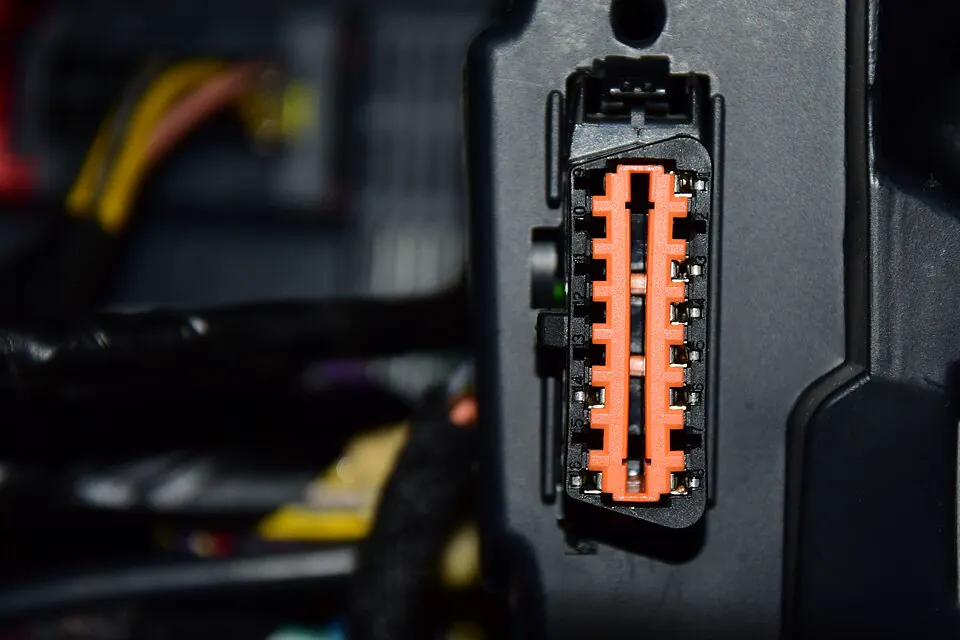
| OBD-II power cable | Driving and parked | Plugs into the diagnostic port under the dash | Occupies the port; behavior varies by car, so check the maker’s vehicle list |
| Built-in or add-on battery pack | Parked, for a limited time | Charges while you drive | Extra cost and one more battery sitting in a hot cabin |
Parking mode is the feature that depends most on this choice. The camera needs constant power to watch a parked car, and constant power comes from the starter battery. A low-voltage cutoff switches the camera off when the battery drops to a set level, so the car still starts. If you drive short trips or leave the car for days, set the cutoff conservatively or skip parking mode.
How many cameras
- Front only (1-channel): the simplest setup. It covers what happens ahead, which is what most drivers want recorded.
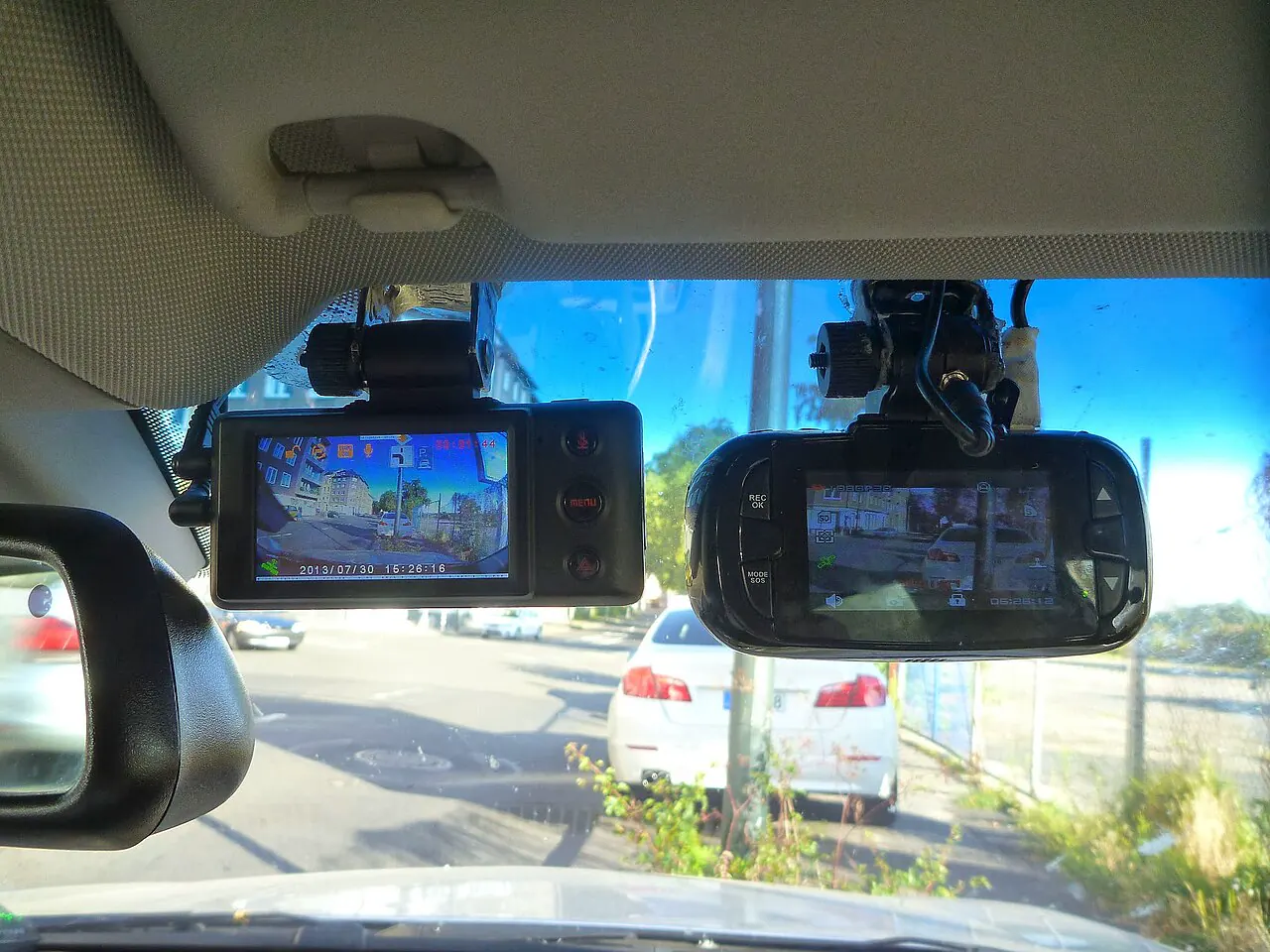
- Front and rear (2-channel): adds a small camera on the rear window, joined by a long cable. It covers rear-end impacts. Check the cable length for wagons, SUVs and pickups.
- Front and cabin: the second lens faces the seats, often with infrared light for night. This is aimed at rideshare and taxi drivers.
- Three-channel: front, cabin and rear. More wiring and more data on the card.
Video settings that matter
Higher resolution helps you read a license plate, and it fills the card faster. A wider lens covers more lanes and makes distant detail smaller. Good low-light performance matters more than the headline resolution if you drive at night. GPS logging stamps speed and position into the file, and Wi-Fi lets you copy a clip to your phone without removing the card. Some features sit behind a paid app plan, so read what is included.
Heat: supercapacitor or battery
A dash cam lives behind glass in direct sun. The National Weather Service shows how fast a closed car heats up, and the US Fire Administration advises against keeping lithium-ion batteries in direct sunlight or in hot cars. For that reason many dash cams use a supercapacitor instead of a lithium battery. It holds just enough energy to save the last file when power is cut. If you park outdoors in a hot climate, prefer a supercapacitor model and check the operating temperature range in the manual.
Choosing the memory card
Video needs a card that can keep writing at a steady rate. The SD Association’s speed class marks exist for this: the UHS Speed Class (U1, U3) and Video Speed Class (V10, V30 and up) symbols state a minimum sustained write speed. The dash cam manual lists the class it needs and the largest capacity it accepts. Buy to that list.
A dash cam also rewrites the card constantly, which wears flash memory. Card makers sell lines intended for continuous recording, usually labeled high endurance. Choose that type, format the card in the camera as often as the manual says, and replace it when the camera reports card errors.
Where to mount it
The usual spot is high on the windshield behind the rearview mirror, inside the wiped area and out of your line of sight. Keep it away from the sensor housing for driver-assistance cameras. State rules on windshield objects differ. California, for example, names specific small areas of the windshield where a video event recorder may be mounted and requires a posted notice that passengers’ conversations may be recorded. Check your own state’s rule before you stick anything to the glass.
Confirm before you buy
0 of 8 packedQuestions people ask
Will a dash cam drain my battery?
Not while you drive. In parking mode it draws from the starter battery, so use a hardwire or OBD kit with a low-voltage cutoff, and expect less parking time on a small or aging battery.
Can I use any microSD card?
Use the speed class and maximum capacity the camera’s manual lists, and choose a card sold for continuous recording. Ordinary cards can wear out early under constant overwriting.
Do I need a rear camera?
A front camera covers most situations. Add a rear camera if you want a record of impacts from behind and are willing to route a cable to the rear window.
Is it legal to mount a dash cam on the windshield?
It depends on the state. Some name the exact areas of the windshield that may be used. Look up your state’s vehicle code or ask your motor vehicle agency.
Sources
This guide is research-based: it draws on manuals, published specifications and safety guidance, not on hands-on testing.As an Amazon Associate we earn from qualifying purchases. Links to Amazon are paid links; they cost you nothing extra. Affiliate disclosure